ClickFunnels Payments: Stripe, PayPal, and Testing
Use the payment architecture that matches your current ClickFunnels version, processor eligibility, checkout needs and operating workflow.
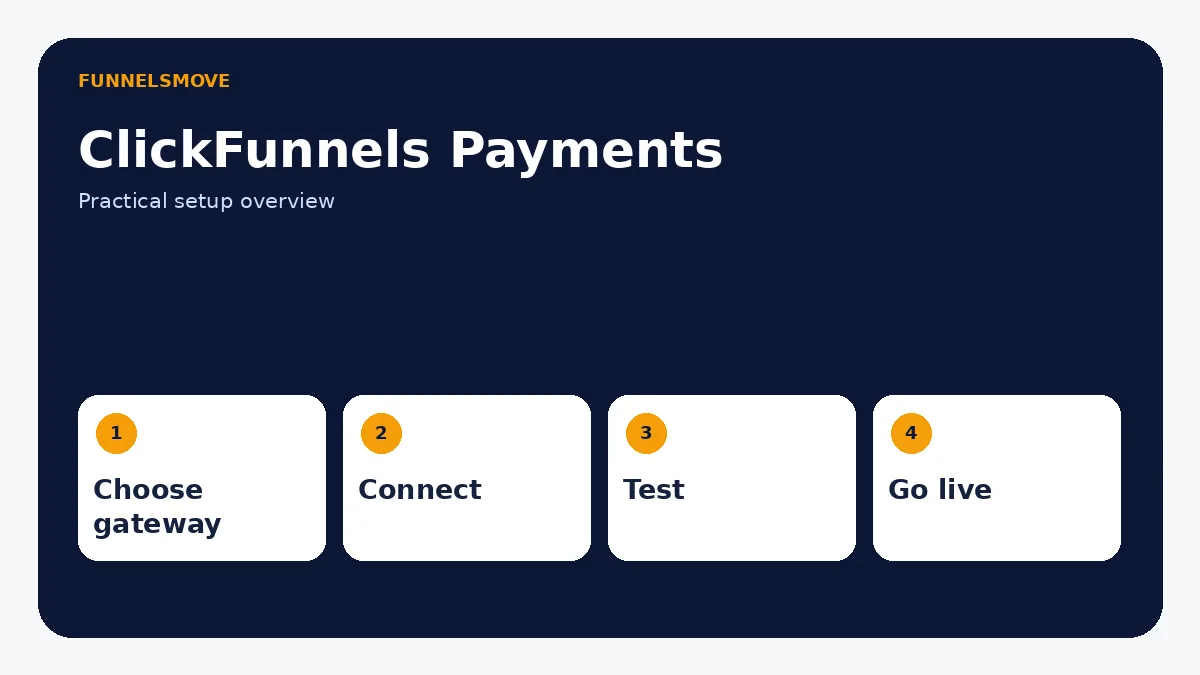
How do payments work in ClickFunnels?
Current ClickFunnels documentation supports payments through Stripe and Payments AI. PayPal can be enabled through Payments AI, while Stripe can also be connected directly to ClickFunnels. The right choice depends on business location, processor eligibility, payment methods and the operational system you want to manage.
Do not connect a gateway until the workspace currency, product pricing and refund/subscription responsibilities are clear. A checkout can only be reliable when the product configuration and payment processor agree.
How to connect Stripe to ClickFunnels
Current ClickFunnels instructions use the Apps area: add the Stripe app to the workspace, connect the Stripe business account, and enable it as a payment gateway. Use the current support flow rather than older Classic instructions because menu locations and payment architecture differ.
After connecting, confirm the workspace currency and default gateway. Then create or select a product and attach it to a checkout page. Do not assume a successful OAuth connection means the complete purchase path is ready.
How to test Stripe safely before launch
Use the testing options provided by the current gateway and ClickFunnels environment. Test a low-risk checkout flow from product selection through payment confirmation, customer/order creation and any follow-up automation. Verify that a failed payment also behaves predictably.
Never use a live customer card merely to “see if it works.” Follow Stripe and ClickFunnels test-mode documentation for test transactions, then perform a controlled live verification only when appropriate for the business.
How to use PayPal with ClickFunnels
In the current ClickFunnels product, PayPal is documented as a payment method available through Payments AI. ClickFunnels says a PayPal Business account can be connected through Payments AI and, after verification, customers can choose PayPal in supported checkout contexts.
This is different from many ClickFunnels Classic tutorials that describe PayPal V2/V3 or third-party PayPal buttons. Those Classic methods still matter for Classic users, but they should not be mixed into current-product instructions without labeling the version.
Stripe vs Payments AI vs PayPal: choose by workflow
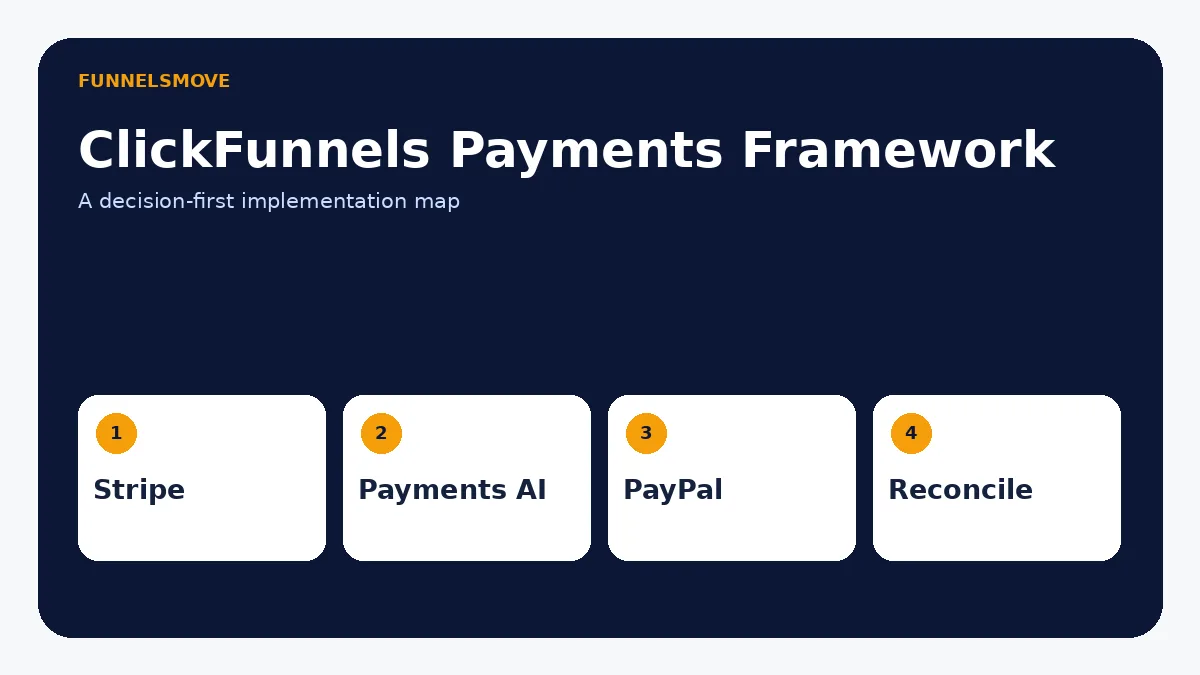
Use direct Stripe when Stripe is already central to the business and you want a straightforward connection. Evaluate Payments AI when its routing and supported payment options fit your operating model. Use PayPal through the supported current integration when customer demand justifies it.
Processor availability, underwriting, fees and payment methods can change by country and account. Verify the processor’s own terms before promising a payment option to customers. ClickFunnels is the checkout layer; the underlying processor still controls eligibility and settlement.
Connect payments to products and checkout
Payment setup is only one side of the sale. ClickFunnels uses products that are then attached to checkout pages. The companion products and checkout guide explains global products, pricing, order forms, multiple products and order bumps.
After attaching a product, test the exact payment method combinations available to that checkout. If the business offers subscriptions, confirm recurring billing behavior, cancellation process and customer communications.
Refunds, subscriptions, taxes, and reconciliation
Current ClickFunnels documentation says orders, refunds and subscriptions can be managed from the Customers area. Tax configuration is a separate product/payment responsibility and should be reviewed for the jurisdictions where the business operates.
Reconcile processor payouts against ClickFunnels orders regularly. A dashboard status is useful operational information, but accounting records should be based on the systems and procedures the business actually uses.
Payment launch checklist
Confirm gateway eligibility, workspace currency, product price, tax settings where applicable, checkout payment methods, test transaction behavior, failed-payment behavior, receipt/confirmation messaging, refund ownership, subscription lifecycle and reconciliation before scaling traffic.
Map the payment architecture before connecting a gateway
A reliable setup has clear ownership. ClickFunnels can present the checkout and maintain the order record, while Stripe, Payments AI, or PayPal performs payment processing and settlement. Accounting software, fulfillment systems, and customer support may each consume different parts of the transaction. Write down which system is authoritative for order status, refunds, subscription changes, tax records, and payout reconciliation.
This prevents a common operational failure: changing a subscription in one system but not another, or refunding a customer at the processor while the fulfillment system still treats the order as active. The more systems involved, the more important a documented workflow becomes.
Stripe connection and testing checklist
After connecting Stripe, verify the correct business account, workspace, and currency. Create a test product that reflects the billing model you actually intend to sell: one-time, subscription, or payment plan. Attach it to the intended checkout and use supported test methods to confirm successful and declined transactions.
Then inspect what ClickFunnels creates after the transaction: customer record, order, subscription if applicable, confirmation behavior, and any workflow trigger. A green “connected” status only verifies the account connection; it does not prove the complete customer journey works.
Subscriptions and payment plans need extra testing
Recurring products create more states than a one-time purchase: initial success, renewal, failed renewal, customer cancellation, administrator cancellation, refund, plan change, and access removal. Test or document each relevant state before launch. Confirm what happens in ClickFunnels when the processor reports a failure and what the customer sees.
For payment plans, make the schedule visible before purchase. For subscriptions, state the recurring price and interval clearly. Checkout copy should match the billing configuration exactly; marketing language should never imply a one-time charge when the processor is configured to recur.
Refund and chargeback workflow
Decide who is authorized to issue refunds and from which interface. Current ClickFunnels documentation says refunds and subscriptions can be managed from the Customers area, but the underlying processor still participates in the financial transaction. Your team should know how a refund appears in ClickFunnels, the processor, fulfillment, and accounting records.
Chargebacks are different from voluntary refunds and follow processor/network procedures. Keep fulfillment evidence and customer communications where your business can retrieve them. Do not promise a particular dispute outcome.
Troubleshooting a checkout that will not take payment
Check the basics in order: gateway connection, gateway eligibility/status, workspace currency, product price, checkout attachment, supported payment method, browser console errors if relevant, and whether the processor rejected the transaction. A processor decline is not necessarily a ClickFunnels defect.
If a payment succeeds but the next step fails, separate payment processing from post-purchase automation. Confirm the order exists, then inspect workflows, email, course access, fulfillment, or redirects independently. This narrows the failure instead of repeatedly reconnecting the gateway.
How to choose a processor without overcomplicating checkout
Start with customer payment needs and business eligibility, not the longest feature list. If most buyers use cards and the business already operates on Stripe, a direct Stripe connection may be the cleanest path. If PayPal demand is material or gateway routing matters, evaluate Payments AI and its supported methods. Confirm availability in the business’s country and the processor’s own underwriting requirements before building the funnel around it.
Also consider operations after the sale. Ask who handles refunds, subscriptions, payout reporting, failed payments, tax records, and disputes. A processor that looks interchangeable at checkout can create very different back-office workflows.
Build a payment test matrix
For one-time products, test a successful payment, a declined payment, a refund, and the confirmation flow. For subscriptions, add initial purchase, renewal behavior, cancellation, failed renewal, and access removal. If multiple payment methods are enabled, repeat the critical paths for each method rather than assuming one successful card payment validates PayPal or Apple Pay.
Record the expected result in ClickFunnels, the processor, the customer email, and the delivery system for each test. This turns launch testing into a repeatable checklist and makes future changes safer.
Payment security and customer trust
Do not collect card data outside the supported checkout. Use the payment components provided by ClickFunnels and its processors, maintain HTTPS on the public checkout domain, and keep administrative access protected. Never place processor secret keys, API secrets, or private credentials in static website files, documentation, or publicly accessible code.
Checkout copy should identify the seller accurately, explain recurring billing where relevant, and provide a realistic support path. Security badges or “guaranteed secure” claims should not be added unless the underlying statement is accurate and supported.
A low-risk payment launch sequence
Move from configuration to production in stages. First connect the gateway and confirm the correct business account. Second, create one representative product and attach it to one checkout. Third, test the complete customer journey in the supported testing environment. Fourth, verify the order record, confirmation, workflow triggers, fulfillment, and refund path. Only then copy the pattern to additional funnels.
This sequence reduces the number of variables when something fails. If five products, three funnels, and several automations are launched simultaneously, a single payment problem becomes difficult to isolate. A small controlled launch provides a known-good baseline that can be duplicated deliberately.
Document processor-specific differences
If the business enables more than one payment method, keep a short operations note for each one. Record how the customer pays, where the transaction appears, how staff issue a refund, how subscriptions are canceled, and where payout reports are found. The checkout can look unified to the customer while the back-office workflows differ.
Revisit this documentation when ClickFunnels or the processor changes its integration. Payment infrastructure is time-sensitive; screenshots and button names from older tutorials can become inaccurate even when the underlying concepts remain valid.
Review payment ownership before scaling
Before increasing traffic, make sure one named operational process owns each recurring task: payout review, refunds, subscription changes, failed-payment follow-up, tax records, and customer support. Document where staff should look first and which system provides the final financial record. This prevents duplicated refunds, inconsistent subscription changes, and support delays when ClickFunnels and the processor show different stages of the same transaction.
Repeat this review whenever you add a new payment method or gateway.
Keep a dated payment-runbook so future gateway, currency, and checkout changes can be tested against a known working baseline.
Quick decision table
| Need | Current option | Key check |
|---|---|---|
| Direct card processing | Stripe | Account eligibility and currency |
| Gateway routing / PayPal path | Payments AI | Supported methods and region |
| PayPal | Via Payments AI in current ClickFunnels | Business account verification |
| Subscriptions | Supported gateway + product setup | Lifecycle and cancellation testing |
After configuring payment methods, run the complete funnel testing workflow before switching a sales funnel fully live.
Evaluate ClickFunnels against your workflow
Check the current ClickFunnels offer and confirm the exact features you need before subscribing.
Explore ClickFunnels (opens in a new tab)Primary sources
- ClickFunnels: Setting Up Payments (opens in a new tab)
- ClickFunnels: Stripe Payment Gateway (opens in a new tab)
- ClickFunnels: Using PayPal in Checkout (opens in a new tab)
Product and interface facts were checked against these sources on September 8, 2026. Interfaces and third-party services can change.
Related workflow
For a closer look, read when to hire implementation help.