ClickFunnels Tracking: Google Analytics, Meta Pixel, and Events
One measurement guide for GA4, Meta/Facebook Pixel, generic tracking-pixel, event, cookie, and verification questions.
See the parent ClickFunnels implementation guide for the broader setup sequence.
How do you add Google Analytics to ClickFunnels?
For the current ClickFunnels Site & Blog app, use the built-in GA4 connection in Site Settings. ClickFunnels’ current documentation directs you to enter the GA4 Measurement ID and, optionally, a Measurement Protocol API Secret. The Add GTagJS Script toggle should be on only when GA4 or Google Tag Manager is not already loading elsewhere.
This matters because installing the same tag twice can create duplicate pageviews and events. Before adding anything, decide whether ClickFunnels itself, Google Tag Manager, or custom code will be the single owner of the browser-side GA4 tag.
Set up GA4 step by step
In Google Analytics, create or select a GA4 property and Web data stream, then copy the Measurement ID in the G-XXXXXXXXXX format. If you want ClickFunnels’ documented server-side delivery, create a Measurement Protocol API Secret in the same data stream and store it securely.
In ClickFunnels, open Site & Blog → Site Settings → Tracking Code. Enter the Measurement ID and API Secret in the corresponding fields. Turn Add GTagJS Script on if GA4 is not already loaded by GTM or custom code; leave it off when another implementation already loads it.
Verify GA4 before adding more events
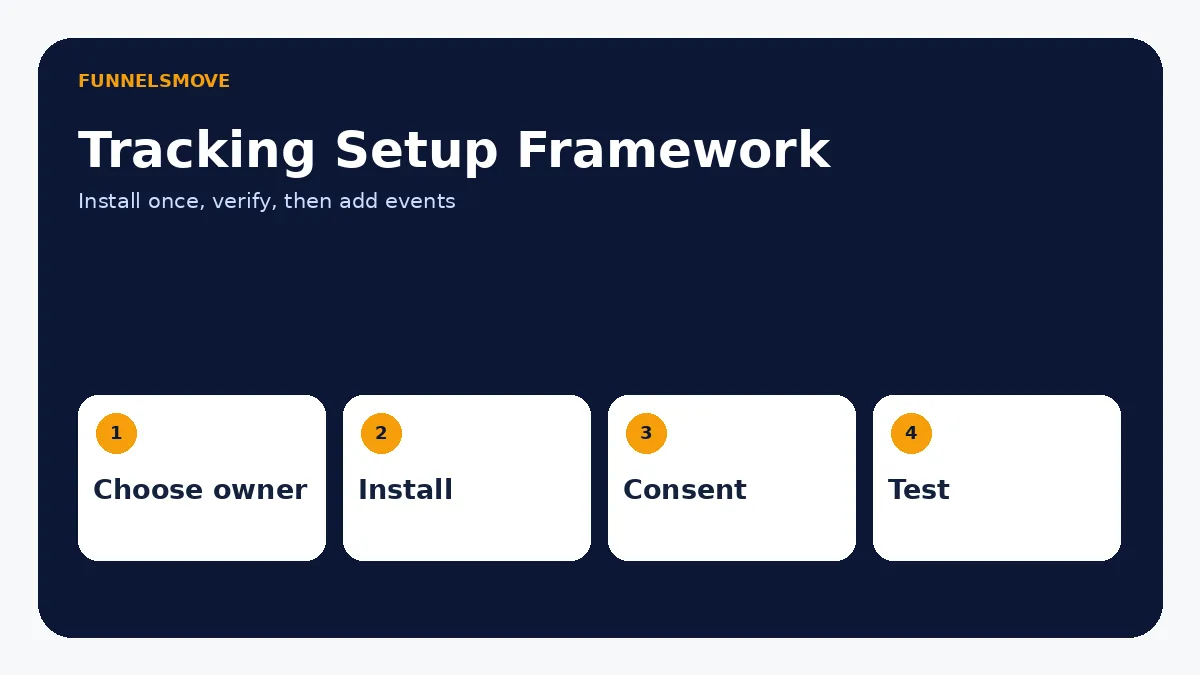
After saving, open the public page in a fresh or incognito browser and use GA4 Realtime to confirm an active user and expected events such as page_view. Do not wait for standard reports to validate the first installation because ClickFunnels notes that normal report totals can take 24–48 hours to populate.
Only after basic pageview tracking is correct should you add custom events. This prevents a complicated event layer from hiding a broken base implementation.
Custom events and conversion measurement
Current ClickFunnels documentation supports adding custom scripts to page code so an action can call gtag('event', ...). Use clear, stable event names and trigger only meaningful business actions such as lead submission, checkout progression, or a key CTA click.
Keep the measurement plan small. Record the event name, trigger, business meaning, and where it is verified. Do not track dozens of decorative clicks simply because the editor makes JavaScript possible.
If you need custom HTML or JavaScript controls, see the ClickFunnels Page Editor guide.
How to add the Meta/Facebook Pixel
Current ClickFunnels Site Settings exposes Facebook Pixel ID and related tracking fields, while funnel settings also support head/footer code for tracking scripts. Choose one implementation path and follow Meta’s current setup requirements. Older ClickFunnels Classic tutorials may describe different pixel locations.
Supporting keywords such as “where to put Facebook pixel,” “install Facebook pixel,” and “add FB pixel” belong on this page because the search intent is the same measurement task. Do not create separate thin pages for each wording variant.
Browser pixel vs server-side/CAPI
Browser pixels run in the visitor’s browser and can be affected by consent choices, blockers, browser restrictions, and navigation timing. Server-side event delivery can improve reliability for supported events, but it does not remove privacy or consent obligations.
ClickFunnels’ current Site Settings includes Facebook access-token/test-event fields and GA4 API-secret support. Treat access tokens and API secrets as credentials: store them only in the platform’s protected settings and never expose them in public page code or static website files.
Cookies, consent, and privacy
Analytics and advertising tags can process identifiers, device information, page activity, and marketing data. Whether consent is required depends on the technologies used, audience location, legal basis, and configuration. This article is implementation guidance, not legal advice.
If you add GA4, Meta Pixel, advertising cookies, or a consent platform to FunnelsMove itself in the future, update the site Privacy Policy to describe the actual data flow. Do not state that no analytics or tracking is used once such services are active.
Tracking a funnel rather than the Site & Blog app
Current Funnel Settings includes Head Code and Footer Code fields intended for items such as Google Analytics, Facebook Pixel, chat widgets, or conversion scripts. If you use these fields, verify whether the same tag is already being injected at site/workspace level before pasting it again.
For a multi-step funnel, define which events correspond to page views, lead capture, checkout, purchase, and post-purchase actions. Keep event naming consistent across steps so reporting can reconstruct the customer journey.
Troubleshooting duplicate or missing events
If Realtime shows double pageviews, ClickFunnels’ GA4 documentation specifically warns that GA may be loading twice—for example, Add GTagJS Script is on while GTM or custom code also loads GA. Disable one implementation and retest.
If nothing appears, confirm the Measurement ID, published page, consent state, browser extensions, and whether the script is actually loaded. For Meta events, use the platform’s test-event tools before assuming a conversion event is working.
A practical measurement plan
Start with the questions the business needs answered: which traffic reaches the funnel, which visitors become leads, which leads reach checkout, and which orders complete. Then choose the smallest set of events required to answer those questions.
Tracking should support decisions, not become a second product to maintain. Document the owner, tag source, consent behavior, event names, and verification method so future edits do not create duplicate tags or conflicting reports.
Google Tag Manager vs direct GA4 setup
You do not need Google Tag Manager just to run GA4. ClickFunnels’ current GA4 documentation says the platform can inject gtag.js directly when the Add GTagJS Script option is enabled. GTM becomes useful when you need to manage several tags, conditional triggers, advertising pixels, or more complex event logic from one container.
If you choose GTM for GA4, disable the ClickFunnels option that would load GA a second time. One clear tag owner is the simplest defense against duplicate pageviews, inflated events, and inconsistent attribution.
Where should the Facebook/Meta Pixel go?
Current ClickFunnels Site Settings includes dedicated Facebook tracking fields, while Funnel Settings provides head and footer code areas. Use the current product settings that match the scope you want to measure. A site-wide implementation is different from a pixel that should exist only on one campaign.
Do not paste the same base pixel into both a site-level field and every funnel page. Verify the base page-view event first, then add conversion events deliberately. If Meta provides a test-event or diagnostics tool, use it to confirm event receipt before launching paid traffic.
Consent mode and cookie-management considerations
Tracking implementation is partly technical and partly policy-driven. Depending on visitor location and the tags you deploy, you may need a consent-management mechanism before analytics or advertising storage is activated. The correct configuration depends on the services used and the legal requirements that apply to the business.
Do not add a cosmetic cookie banner that does nothing. If consent is required, the controls should actually govern the relevant tags or storage behavior. Record which tags are essential, analytics, advertising, or functional so the privacy notice and consent configuration describe the real site.
Cross-domain and multi-domain funnel tracking
A business may send visitors from a WordPress site to a ClickFunnels subdomain, then to a checkout or another service. Without deliberate measurement architecture, reports can split one customer journey into separate sessions or show self-referrals. Start by documenting every hostname and deciding which analytics property should receive each page view.
When GA4 needs to recognize a journey across several controlled domains, follow Google’s current cross-domain guidance and test the real handoff. The WordPress integration guide and custom-domain guide explain the platform architecture that measurement depends on.
Tracking QA checklist before paid traffic
Open the funnel in a clean browser session and verify the base page view, lead event, checkout event if used, purchase or confirmation event, and any advertising-platform events. Check that each action fires once—not zero times and not twice. Compare browser diagnostics with the destination platform’s realtime or test-event view.
Then test consent behavior, mobile pages, different funnel steps, and any cross-domain transition. Save screenshots or a short runbook showing the expected events so future editors can retest after changing code, templates, domains, or checkout configuration.
Assign one owner for every tag
Maintain a simple tracking register with the tag name, business purpose, installation location, consent category, owner, and verification method. If GA4 is loaded through ClickFunnels Site Settings, record that. If Meta Pixel is loaded through a funnel field or GTM, record that instead. This prevents a future editor from adding a second copy because they cannot see where the first one came from.
When a tag is retired, remove it from the real installation point and update the privacy documentation if the data flow changes. Do not leave unused marketing scripts active merely because they are not currently referenced in reports.
Retest tracking after major funnel changes
Retest measurement whenever you change domains, checkout pages, form behavior, custom code, consent controls, or a duplicated funnel. A tag that worked on the original campaign can disappear, fire twice, or attach to the wrong event after structural changes.
Keep a short expected-event checklist for each major funnel stage so future updates can be verified quickly in GA4 Realtime and the advertising platform’s test tools.
After launch, compare tracking data with actual CRM leads or orders periodically. Analytics is a measurement layer, not the accounting system of record, so unexplained gaps should trigger implementation review rather than silent adjustment of reported results.
Before handing a funnel to another marketer, include the tag register and expected events so future edits do not create duplicate analytics or advertising signals.
Retest after every material funnel change.
Quick decision table
| Need | Recommended path | Main risk |
|---|---|---|
| Basic GA4 | Built-in Site Settings connection | Loading GA twice |
| Advanced tag management | GTM or deliberate custom code | Duplicate ownership |
| Meta/Facebook tracking | Current Site/Funnel tracking settings | Outdated Classic instructions |
| Custom events | Small documented event plan | Measuring everything without purpose |
Once tags are installed, validate them inside a full pre-launch funnel test so events are checked alongside forms and checkout.
Evaluate ClickFunnels against your workflow
Check the current ClickFunnels offer and confirm the editor, branding, and tracking capabilities you need before subscribing.
Explore ClickFunnels (opens in a new tab)A practical tracking acceptance test
Create a written measurement map before installing tags: page view, lead submission, checkout start, purchase and refund where applicable. Give each event a defined trigger, platform destination and expected parameters. Submit one controlled test lead and one test transaction in a safe environment, then compare the browser network activity with GA4 DebugView and the Meta Events Manager test interface. A successful tag installation is not the same as an accurate conversion event.
Check whether a tag fires on the form button click or only after confirmed submission. Button clicks can overcount failed forms. Where a checkout sends both browser Pixel and Conversions API events, verify that the same event ID is used for deduplication. Record the test timestamp and the exact event names so a future editor can repeat the checks.
Consent and attribution boundaries
Analytics and advertising tags can involve consent obligations depending on location and data use. Review your consent mechanism, regional requirements and vendor configuration before activating non-essential tracking. Do not send email addresses, names or other personal information in page URLs or unapproved analytics parameters.
Expect attribution differences between GA4 and advertising platforms because of consent choices, attribution windows, browser restrictions and event processing. Reconcile trends and defined events rather than assuming dashboards should report identical totals.
Primary sources
- ClickFunnels: Connecting Google Analytics (GA4) (opens in a new tab)
- ClickFunnels: Site Settings (opens in a new tab)
- ClickFunnels: Funnel Settings Overview (opens in a new tab)
- ClickFunnels Classic: Add Tracking Pixel (opens in a new tab)
Product and interface facts were checked against these sources on September 9, 2026. ClickFunnels interfaces can change, so current official documentation should control when a button name or menu differs.